



Some class periods feel longer than they should. When work is finished, and the clock barely moves, a quick game on the computer can help pass the time.
I like simple browser games that open fast, stay quiet, and can be closed in seconds if the teacher starts talking.
That is why many students look for games to play in class when they are bored on the computer. The best ones do not need downloads, loud sound, or long focus.
A few clicks, a short round, and you are back to class again.
From puzzle games to classic favorites and idle clickers, there are plenty of choices that run smoothly on school computers. These small games make slow moments feel much shorter.
Bored in Class? These Computer Games Make Time Fly
Sitting through a long class with nothing to do can make every minute feel like ten.
That’s why many students turn to quick computer games to pass the time. The best ones are simple, quiet, and easy to close the moment a teacher walks by.
You don’t want something loud or complicated, just something that keeps your brain busy without drawing attention.
Browser games are a solid choice because they open right in your web browser, load in seconds, and don’t require any downloads or installs. No extra software, no setup. Just click and play.
If you have five minutes or a full free period, these games fit into almost any school situation.
Best Browser Puzzle Games to Play in Class When Bored

Puzzle games are a great choice during class because they are quiet and easy to pause. Most rounds are short, so you can stop at any time and return to your work quickly.
They also run smoothly in a browser and do not need downloads.
1. 2048
2048 is a number puzzle where you slide tiles on a grid to combine matching numbers. Each move joins two equal numbers to create a larger one.
The goal is to reach the tile 2048, but many players try to go even higher. It works well during class because the moves take only a few seconds. You can pause anytime and continue later without losing progress.
2. Sudoku Online
Sudoku Online is a classic number puzzle that challenges your thinking. The board has a 9×9 grid, and the goal is to fill every space with numbers from 1 to 9.
Each number can appear only once in every row, column, and smaller box.
Many websites offer different difficulty levels, so you can choose an easy puzzle for a quick round. The calm pace makes it suitable for quiet moments during class.
3. Minesweeper
Minesweeper is a well-known puzzle game that mixes logic with a bit of careful guessing. You click squares on a grid and try to avoid hidden mines.
When a square opens, a number appears indicating how many mines are nearby.
This helps you decide which spaces are safe. Each round is usually short, and the controls are simple. It works well on school computers because it runs fast and stays quiet.
4. Wordle
Wordle is a daily word puzzle that asks players to guess a hidden five-letter word. You have six chances to find the correct answer. After every guess, the tiles change color to show which letters are correct and which need to be moved.
This feedback helps guide the next guess. The game takes only a few minutes to finish, so it fits well into small breaks when class feels slow.
5. Picross/Nonogram
Picross, also known as Nonogram, is a logic puzzle in which you fill squares on a grid to reveal a hidden image. Numbers placed beside each row and column show how many squares should be filled in that line.
Using these clues, you slowly build the picture piece by piece. The pace is calm and thoughtful, which makes it suitable for quiet play. You can stop anytime and return later without confusion.
6. Flow Free
Flow Free is a simple puzzle where you connect matching colored dots on a grid. The goal is to draw a path between each pair without allowing the lines to cross or overlap.
When every dot is connected, and the grid is full, the puzzle is complete.
Early levels are quick and easy, while later ones become more challenging. The quiet gameplay and short puzzles make it a good option for passing the time during class.
7. Little Alchemy 2
Little Alchemy 2 is a creative puzzle where you combine different elements to make new ones. You start with basic items like air, water, earth, and fire.
By mixing them in different ways, you can create hundreds of objects, including plants, animals, and tools. Each discovery feels rewarding and encourages you to try new combinations.
The relaxed pace makes it easy to play for a few minutes at a time.
8. Infinite Craft
Infinite Craft is a browser puzzle where you mix different items to create new things. The game begins with simple elements such as water, fire, wind, and earth.
When you combine them, new items appear, which can then be mixed again to produce even more results. The possibilities grow quickly, which keeps the game interesting.
Each step is quick, so you can play for short moments without losing track.
9. 0h h1 Puzzle
0h h1 is a logic puzzle that uses red and blue tiles on a grid. The goal is to fill the board so that no more than two tiles of the same color appear next to each other.
Every row and column must also contain the same number of red and blue tiles. The rules are simple, but the puzzle still requires careful thinking. Each round is short and easy to pause.
Simple Classic Games You Can Play on a School Computer
Classic games are a good choice when you want something simple and familiar. Most of these games have been around for many years and still run smoothly in modern browsers.
They do not need downloads and usually have easy controls.
10. Tetris
Tetris is a well-known puzzle game where falling blocks must be arranged to complete full rows. Each piece has a different shape, and you move or rotate it to fit into the grid.
When a row is filled, it disappears and gives you points. The speed gradually increases, adding a small challenge. The controls are simple, and rounds can be short, making it suitable for quick play during class.
11. Pac-Man
Pac-Man is a classic arcade game where you guide a small yellow character through a maze. The goal is to eat all the dots while avoiding the ghosts moving around the maze.
Power pellets allow Pac-Man to chase the ghosts for a short time. The game is easy to learn and moves at a steady pace. Browser versions run smoothly, making it a fun option for short breaks.
12. Snake Game
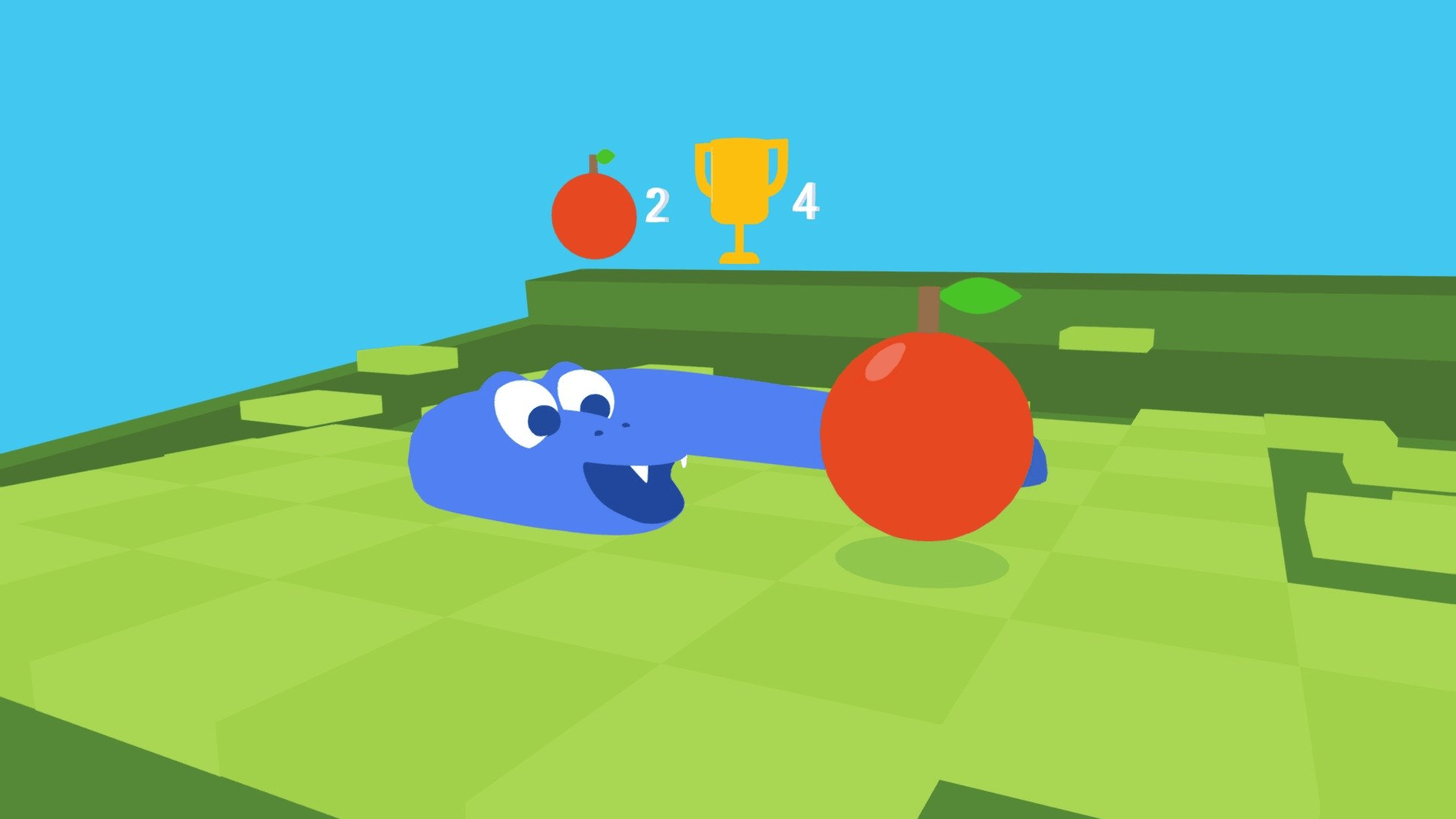
Snake is a simple game where you control a growing snake that moves across the screen.
The goal is to eat small items that appear on the board while avoiding walls and your own tail.
Each time the snake eats, it grows longer, making movement more difficult. The controls are very basic and require only a few keys. This makes it easy to play quietly during class.
13. Solitaire
Solitaire is a classic card game played by arranging cards into four foundation piles by suit and number.
You move cards between columns to find hidden ones and build sequences in the correct order.
The goal is to organize all the cards into the final piles. Many browser versions exist, and the calm pace makes it easy to pause anytime when you need to focus on class again.
14. Spider Solitaire
Spider Solitaire is a variation of the traditional Solitaire card game. The goal is to arrange cards in descending order within the columns until a full sequence from King to Ace is completed.
Once a full set is formed, it disappears from the board. The game may use one, two, or four suits depending on difficulty. Its slow pace and simple controls make it comfortable for casual play.
15. Hearts (Card Game)
Hearts is a trick-taking card game where the main goal is to avoid collecting certain cards that give penalty points. Players take turns placing cards, and the highest card of the same suit wins the round.
Strategy comes from choosing which cards to play and when. Many online versions allow you to play against computer players. The steady pace makes it easy to follow during quiet moments.
16. Chess Online
Chess is a strategy board game played between two players on an 8×8 grid. Each player controls pieces like pawns, rooks, knights, and a king.
The goal is to place the opponent’s king in a position where it cannot escape capture. Online versions often allow matches against computer opponents.
Because turns are slow and thoughtful, it works well for playing quietly on a school computer.
17. Checkers
Checkers is a simple board game where players move pieces diagonally across the board. The goal is to capture the opponent’s pieces by jumping over them.
When a piece reaches the opposite side of the board, it becomes a king and can move both forward and backward. The rules are easy to learn, and rounds are usually quick.
This makes it a relaxed option during slow moments in class.
18. Connect Four Online
Connect Four is a strategy game played on a vertical grid. Players take turns dropping colored pieces into columns. The goal is to connect four pieces in a row, either horizontally, vertically, or diagonally.
Browser versions usually allow matches against computer opponents. Each round takes only a few minutes, and the rules are easy to understand, making it suitable for quick gameplay during class.
19. Google Atari Breakout
Google Atari Breakout is a browser version of the classic brick-breaking arcade game. You control a paddle at the bottom of the screen and bounce a ball upward to break rows of bricks.
Each time the ball hits a brick, it disappears and adds points. The challenge grows as the ball moves faster. The simple controls and quick rounds make it easy to play for a few minutes.
Fun Idle Games to Play in Class Without Paying Full Attention

Idle games are a good choice when you cannot focus on a game the whole time. These games continue to progress even when you are not clicking constantly. You can make a few moves, leave the game running, and return later.
20. Cookie Clicker
Cookie Clicker is a simple idle game where the goal is to produce as many cookies as possible. You start by clicking a large cookie to earn points.
Later, you can buy items like cursors and factories that produce cookies automatically. The numbers keep growing even when you stop clicking. This makes it easy to check the game quickly, then return your attention to class.
21. Idle Breakout
Idle Breakout is based on the classic brick-breaking arcade game. Instead of controlling a paddle, you buy different types of balls that break the bricks automatically.
Each ball has special abilities, such as speed or extra damage. As the levels continue, you earn money to upgrade your balls. The game keeps running on its own, so you can glance at it occasionally during class.
22. Mr. Mine
Mr. Mine is an idle mining game where you dig deeper underground to collect valuable resources. You start with a simple drill and slowly unlock new tools, workers, and upgrades.
As the mine expands, more minerals appear, and your earnings increase. Most progress continues automatically, so you only need to check the game from time to time to upgrade equipment and keep the mine growing.
23. Idle Dice
Idle Dice is a number-based idle game where rolling dice earns you points. Each roll adds more numbers to the board, which increases your total score.
As you gain more points, you can unlock upgrades that improve the dice and speed up progress. The game runs mostly on its own after upgrades are active.
Because of this, you can play it in short moments without constant attention.
24. Candy Clicker
Candy Clicker follows a simple idea similar to many clicker games. You start by clicking on candy to earn points.
With those points, you can buy upgrades that create candy automatically over time.
As the total increases, new upgrades become available. The game keeps producing candy even when you are not actively clicking, making it easy to leave it running during class.
25. Clicker Heroes
Clicker Heroes is an idle game where you defeat monsters by clicking on them. Each monster drops gold that can be used to unlock heroes and upgrades.
Once heroes are strong enough, they start defeating enemies automatically.
The game continues to progress even when you stop clicking. This makes it suitable for class since you can check the screen occasionally while focusing on other tasks.
26. Tiny Fishing
Tiny Fishing is a relaxing idle fishing game played in a browser. You lower a fishing line into the water and try to catch as many fish as possible on the way up.
Each fish you collect earns coins that can be used to upgrade the fishing line and catch rarer fish. After upgrades, the process becomes easier and faster, allowing you to play in short moments.
Quick Multiplayer Browser Games to Play With Friends in Class
Multiplayer browser games are fun when classmates want to play together. Most of these games start quickly and allow short matches, making them easy to fit into short breaks.
You can create a private room or join the same server and compete with friends.
27. Skribbl.io
Skribbl.io is a drawing-and-guessing game played by several players in the same room. One player receives a word and must draw it on the screen while others try to guess the word in the chat.
Points are earned for correct guesses and good drawings. Each round lasts only a short time, which makes it a fun activity when classmates want a quick game together.
28. Slither.io
Slither.io is a multiplayer snake game where players control a glowing snake moving around a large map. The goal is to collect small glowing dots to grow longer.
At the same time, you must avoid crashing into other snakes. If another snake hits your body, it disappears, and you can collect its dots. Matches burn quickly and can be left at any time.
29. Agar.io
Agar.io is a multiplayer game in which players control a small cell as it moves across a large field. The goal is to collect small pellets to grow larger while avoiding bigger cells that can absorb you.
As your cell grows, you can split or move carefully to catch other players.
The game runs smoothly in a browser, and rounds often change quickly, which keeps it interesting.
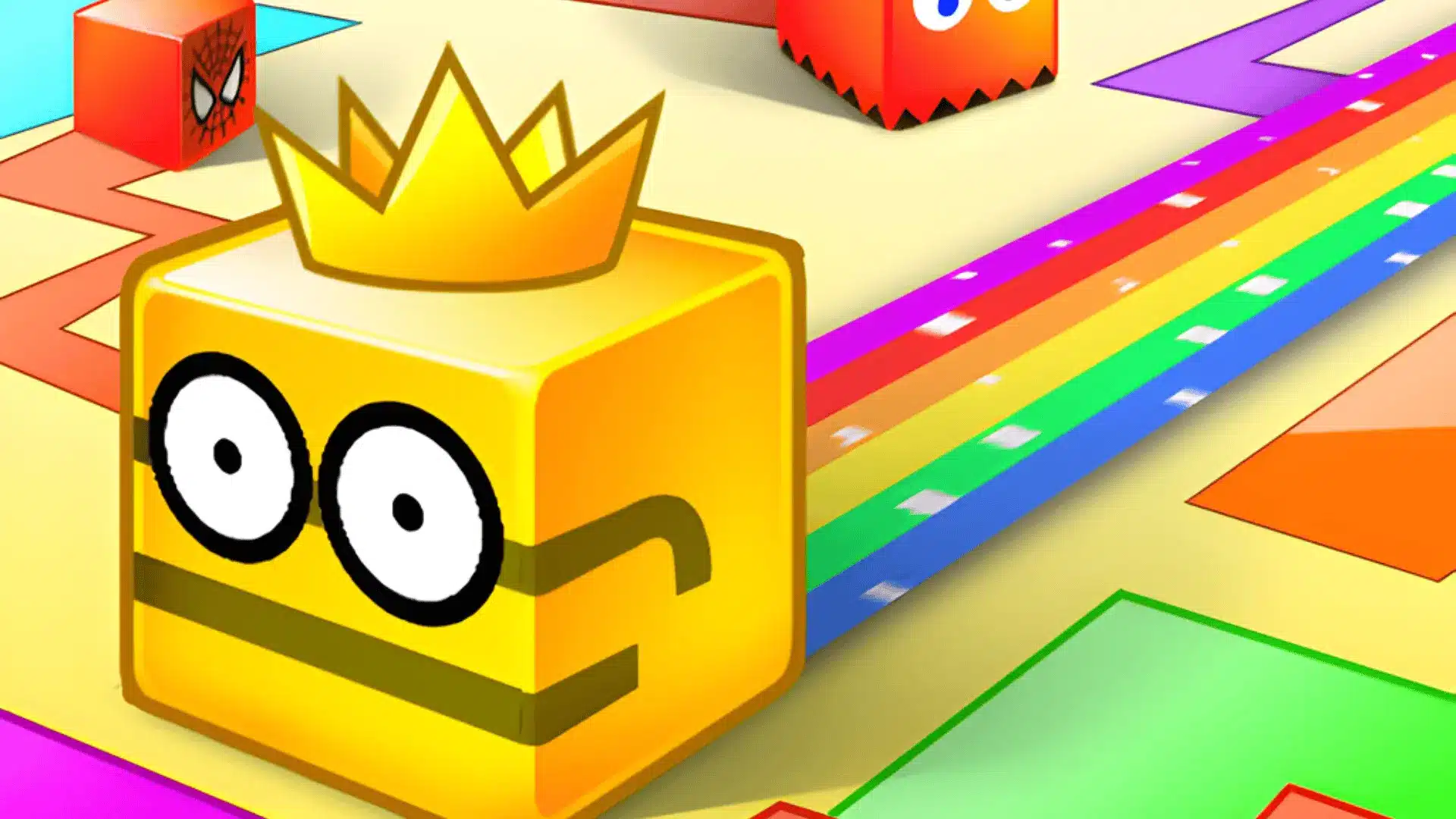
30. Paper.io
Paper.io is a territory-based game where players move across a map and claim territory by drawing lines.
The goal is to capture as much area as possible while protecting your own trail.
If another player touches your line before you return to your base, you lose the round. The rules are simple, and matches are fast, which makes it a good option for short play sessions.
31. Krunker.io
Krunker.io is a fast first-person shooter that runs directly in a browser. Players join quick matches and compete on small maps with different weapons.
The controls are simple, and rounds usually last only a few minutes. You can also create private rooms to play with classmates. Because matches are short, it is easy to join a game quickly and leave when needed.
32. Stomped.io
Stomped.io is a simple multiplayer arena game where players control a small character trying to defeat others in the same space.
The goal is to move quickly, avoid attacks, and eliminate opponents to stay in the match longer. The gameplay is easy to learn and does not require long sessions.
This makes it a light game to play when several friends want something quick.
33. Powerline.io
Powerline.io is another multiplayer snake-style game with a glowing grid background. Your snake grows longer by collecting energy from the map and from defeated players.
Moving close to other snakes increases your speed, which helps with quick turns and traps. The gameplay is fast but easy to understand. Because rounds change quickly, it works well for short multiplayer sessions.
Final Thoughts
Slow classes happen, and a quick browser game can make those moments easier to handle.
The list of games to play in class when bored on a computer includes puzzles, classic arcade games, idle clickers, and quick multiplayer options.
I like games that start fast, stay quiet, and allow me to stop instantly if I need to pay attention again.
Short rounds and simple controls make a big difference on a school computer. Try a few from the list and see which ones you enjoy most during free time. Just remember to keep schoolwork first.
If you know other fun games that work well in class, share them in the comments so others can try them too.