






Playing a Warlock without macros is like fighting with one hand tied behind your back. You’re clicking too much, reacting too slowly, and your demon does whatever it wants.
Sound familiar?
Most Warlock resources throw random macros at you without explaining when or why to use them. You end up confused with a messy action bar and no real improvement.
What you need is every essential WoW Classic warlock macros organized by actual situations.
Everything below includes exact code, clear instructions, and real explanations of when it helps.
Ready to build your setup the right way?
What Are Macros in WoW Classic, and Why Warlocks Benefit Most
Macros are custom commands that let you perform multiple actions with one button press. Think of them as shortcuts that combine several spells or commands into a single keybind.
In WoW Classic, macros help you play faster and smarter. They reduce the number of buttons you need to press and help you react quickly in combat.
Warlocks get more value from macros than most other classes. You need to manage your pet, swap between targets, and use situational spells all at once. Macros handle these tasks smoothly so you can focus on strategy instead of fumbling through your action bars.
Every macro in WoW Classic has a hard limit of 255 characters. This includes spaces, commands, and any text you want to display.
When you hit this limit, you need to make choices. Cut unnecessary spaces between commands. Spell names must be written exactly as they appear in your spellbook.
The safest way is to Shift-click abilities into your macro. Remove any comments or explanatory text.
Best WoW Classic Warlock Macros By Use Case
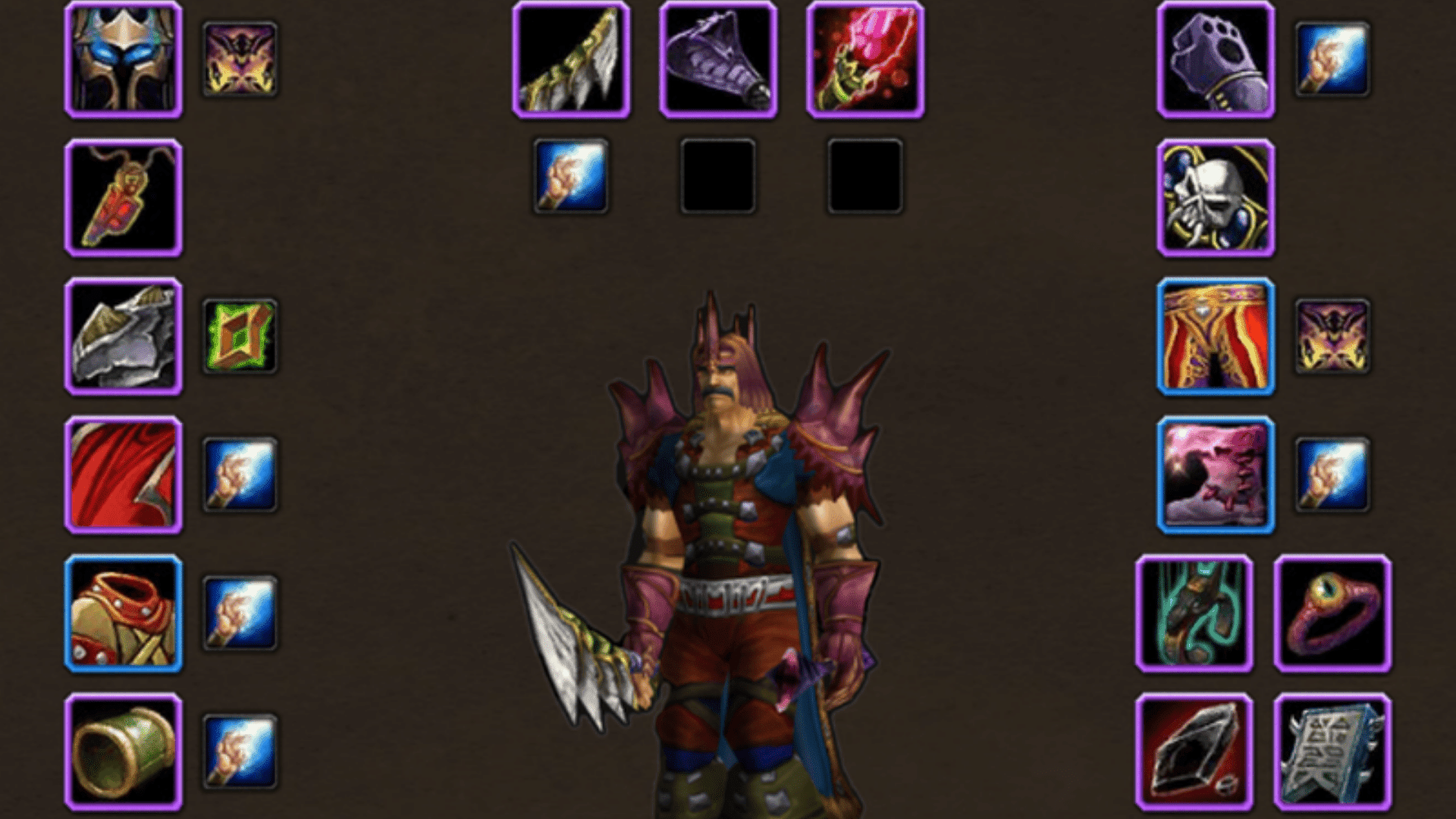
Leveling means killing enemies efficiently. These WoW classic warlock macros speed up pulls and reduce downtime between fights, saving hours on your journey to 60.
1. Pet Control Macros (Core Warlock Quality-Of-Life)
Managing your demon properly separates good Warlocks from great ones, much like pet pathing fixes in efficient Classic routes.
These pet control macros give you instant command over your demon without clicking through the pet action bar.
Every Warlock should set up basic pet commands first. Attack, follow, and passive macros let you control your demon’s behavior in any situation.
1.1 Pet Attack, Pet Follow, Pet Passive (Clean Control)
The pet attack macro sends your demon to attack your current target with one button press.
#showtooltip
/petattack
Put this on an easy keybind you can hit quickly. Your demon will charge your target and start dealing damage.
The pet follows macro pulls your demon back to your side immediately.
#showtooltip
/petfollow
Use this when you need to group up or when your pet is attacking the wrong target. It also works to reset your pet’s behavior if it gets stuck.
The pet passive macro stops all aggressive behavior from your demon.
#showtooltip
/petpassive
Your pet will return to you and won’t attack anything until you give a new command. This prevents accidental pulls and keeps your demon safe during tricky moments.
Combine all three commands into one macro with modifiers to save space on your bars.
#showtooltip
/petattack [nomod]
/petpassive [mod:shift]
/petfollow [mod:alt]
Press the button usually to attack. Hold Shift to go passive. Hold Alt to follow. This puts complete pet control under one keybind.
1.2 Felhunter Spell Lock On Focus
Spell Lock is your interrupt ability when you have a Felhunter out. This button lets you interrupt a focus target while you keep attacking your primary target.
#showtooltip Spell Lock
/cast [target=focus,exists] Spell Lock; Spell Lock
Set a healer or caster as focus before combat. When they cast, use the macro to make your Felhunter Spell Lock them instantly, or your current target if no focus is set.
It’s vital in PvP and useful in dungeons, so save the cooldown for key heals or dangerous spells.
1.3 Felhunter Devour Magic On Mouseover
Devour Magic removes one buff from an enemy or one debuff from a friendly target. The mouseover version makes this ability much faster to use.
#showtooltip Devour Magic
/cast [@mouseover,exists,nodead] Devour Magic; Devour Magic
Hover your mouse over an enemy nameplate and press the button to strip their buffs. Hover over a friendly player to cleanse their debuffs.
This macro works great in PvP for removing shields and protective buffs. It also helps in PvE when you need to clear magic debuffs from raid members quickly.
1.4 Succubus Seduction Focus Macro
Seduction is a crowd control ability that takes one enemy out of the fight. Using it on a focus target keeps your main rotation smooth.
#showtooltip Seduction
/cast [@focus,exists,nodead] Seduction; Seduction
The macro attempts to seduce your focus first. If no focus exists, it seduces your current target instead.
This works well in dungeons when you need to control an extra mob. It also helps in PvP by taking a player out of the fight for several seconds.
1.5 Voidwalker Sacrifice
Sacrifice gives you a damage absorption shield by destroying your Voidwalker. This macro casts it instantly when you need a defensive cooldown.
#showtooltip Sacrifice
/cast [@player] Sacrifice
The macro targets yourself automatically, so you don’t waste time clicking. Press it when you’re taking heavy damage and need a shield right now.
Sacrifice removes your Voidwalker from the fight entirely. Only use it in true emergencies when the shield will save your life.
You can add a modifier to make this macro even safer.
#showtooltip Sacrifice
/cast [mod:shift,@player] Sacrifice
This version only works when you hold Shift. It prevents accidental sacrifices when you press the wrong button in the heat of the moment.
2. Targeting And Mouseover Macros (Play Faster With Less Clicking)
Mouseover and focus macros reduce the need to switch targets and click. They let you affect multiple enemies or allies without losing your primary target.
These WoW classic warlock macros keep your damage flowing while you handle utility tasks. Master these targeting techniques, and you’ll handle complex situations with ease.
2.1 Mouseover Curse Macro (Apply Without Swapping Targets)
A mouseover curse macro applies curses to any enemy you hover over. You don’t need to click them or change your current target.
#showtooltip Curse of Agony
/cast [mouseover,harm,nodead] Curse of Agony; Curse of Agony
This macro works with any curse you want. Replace Curse of Agony with Curse of Elements or Curse of Weakness as needed.
The macro checks three conditions before casting. It needs a mouseover target that’s hostile and still alive. If any condition fails, it curses your current target instead.
You can create separate macros for each curse or use modifiers to combine.
#showtooltip
/cast [mod:shift,mouseover,harm,nodead] Curse of Elements; [mouseover,harm,nodead] Curse of Agony; Curse of Agony
This version casts Curse of Elements on mouseover when you hold Shift. Without Shift, it casts Curse of Agony instead.
2.2 Mouseover Fear Macro (PvP And Dungeon Safety)
The mouseover Fear macro lets you panic an enemy without first targeting them. This speed matters when you need to stop an attack right now.
#showtooltip Fear
/cast [mouseover,harm,nodead] Fear; Fear
This macro shines in PvP when multiple enemies rush you. Fear the closest attacker with a quick mouseover while you keep casting on someone else.
The macro includes a fallback option. If you’re not hovering over anything, it fears your current target. You’ll never press the button and have nothing happen.
2.3 Focus Target Setup Macro
Setting a focus target quickly matters for efficient macro use. This simple command saves you from typing every time.
/focus
Target an enemy or ally and press your focus macro. That target becomes your focus until you clear it or set a new one.
You can also clear your focus with a separate macro.
/clearfocus
Press this to remove your current focus target when you no longer need it.
Combine both actions into one macro with a modifier for convenience.
/clearfocus [mod:shift]
/focus [nomod]
Press the button usually to set your focus. Hold Shift and press to clear it. This saves a keybind and keeps focus management simple.
Use focus targets for enemies you need to watch closely. Your focus target stays set even when you target other things. This makes focus macros so powerful for multitasking.
2.4 Focus Fear Or Focus Banish (Control Without Losing DPS Target)
Focus crowd control macros let you lock down one enemy while you damage another. This keeps your personal DPS high while handling mechanics.
The Fear macro casts Fear on your focus target with a single button press.
#showtooltip Fear
/cast [@focus,harm,nodead,exists] Fear; Fear
This works excellently on dungeon pulls with multiple enemies. Set focus on a caster mob and fear them repeatedly while you kill melee enemies first.
The macro tries your focus target first. If your focus is already feared, dead, or doesn’t exist, it fears your current target instead.
The focus Banish macro works the same way for demon and elemental enemies.
#showtooltip Banish
/cast [target=focus,exists] Banish; Banish
Set a demon or elemental as your focus at the pull and keep them locked down with Banish, refreshing it before it expires while your group kills the rest.
These macros let you handle crowd control without losing DPS, helping your team, and maintaining your damage.
3. PvE Raid Macros (Damage Uptime And Utility)
Raid performance depends on clean execution and minimal downtime. These WoW Classic warlock macros help you maintain damage while handling your raid responsibilities.
Good raid macros streamline your curse rotation and resource management. Set these up before raid night so you can focus on mechanics instead of your action bars.
3.1 Curse Swap Macro (One Button For Your Assigned Curse)
Raids assign specific curses to each Warlock. This macro lets you switch between your assigned curses with modifier keys.
#showtooltip
/cast [mod:shift] Curse of Elements; [mod:alt] Curse of Recklessness; Curse of Agony
Use one button for multiple curses: press for Curse of Agony, hold Shift for Curse of Elements, and hold Alt for Curse of Recklessness.
Swap the curse names to match raid assignments and switch curses mid-fight instantly using modifiers.
You can also create a two-curse version if that’s all you need.
#showtooltip
/cast [mod:shift] Curse of Elements; Curse of Agony
This simpler macro works for most raid situations where you only juggle two different curses.
Remember that curses don’t stack from multiple Warlocks. Coordinate with your raid so everyone uses different curses and nothing gets overwritten.
3.2 Drain Soul With Pet Attack (Shard Farming During Fights)
Drain Soul generates Soul Shards when it kills an enemy. This macro makes your pet help secure the kill while you channel.
#showtooltip Drain Soul
/petattack
/cast Drain Soul
Use this macro to send your pet in, then channel Drain Soul so pet damage helps secure the killing blow and earns you a Soul Shard.
Start it under 25% health on trash or near the end of bosses, and keep your shard supply topped up between pulls for stones, summons, and soulstones.
3.3 Shadow Bolt Or Wand Fallback Macro
Sometimes you run out of mana mid-fight. This macro casts Shadow Bolt when you have mana and switches to your wand when you don’t.
#showtooltip
/cast [mod:shift] Shoot; Shadow Bolt
The macro checks your mana and casts Shadow Bolt if possible, or switches to your wand when you’re out of mana.
This keeps damage flowing during mana downtime, which is why Warlocks should always have a wand equipped for emergencies.
You can also add a modifier for manual wanding when you want to conserve mana.
#showtooltip
/cast [mod:shift] Shoot; [nomana] Shoot; Shadow Bolt
Hold Shift to wand on purpose. Or let the macro automatically wand when your mana runs out. This version gives you more control over your resource management.
3.4 Trinket + Cooldown Macro (If Applicable To Your Build)
Stacking your damage cooldowns with trinket activations increases your burst damage. This macro groups them into one keybind for quick execution.
#showtooltip
/use 13
/use 14
/cast Amplify Curse
The numbers 13 and 14 represent your trinket slots. Slot 13 is your top trinket, and slot 14 is your bottom trinket.
This macro attempts to activate both trinkets and cast Amplify Curse (or another ability like Death Coil) in one press. If a trinket is on cooldown or cannot be used, that line is skipped automatically.
Use it during boss openers or burn phases, and track your trinket cooldowns so you activate them at the right moment.
It’s most useful for Destruction Warlocks stacking burst damage, while Affliction builds generally gain less value from this type of macro.
Note: External buffs like Power Infusion must be applied by other players and cannot be triggered through your macro.
4. Leveling And Open-World Grinding Macros
Leveling as a Warlock means killing lots of enemies efficiently. These WoW Classic warlock macros speed up your pull rotations and reduce downtime between fights.
Good leveling macros save you seconds on every kill. Those seconds add up to hours saved over your journey to 60. Set these up early in your leveling process. They’ll serve you well from level 10 all the way through endgame farming.
4.1 Pull Macro (DoT + Pet Attack Starter)
Starting each fight the same way builds muscle memory and speeds up your grinding. This macro sends your pet and applies dots with one button press.
#showtooltip Corruption
/petattack
/cast Corruption
Your pet charges the target while you cast Corruption. This gets both of you dealing damage immediately.
You can expand this macro to include your second DoT as well.
#showtooltip Corruption
/petattack
/cast Corruption
/cast Curse of Agony
This macro starts both DoTs and sends your pet in, so damage begins immediately, even though only one spell is cast per press in Classic.
Cast Corruption first for faster movement, and use this opener while leveling for smooth, efficient pulls.
4.2 Tap + Eat Or Bandage Logic (Safer Downtime)
Life Tap converts your health into mana. This macro uses Life Tap, then starts eating food to restore the health you spent.
#showtooltip Life Tap
/cast Life Tap
/use [nomod] Conjured Muffin
Replace Conjured Muffin with whatever food you’re carrying. The macro uses the food name precisely as it appears in your bags.
Press the button once to Life Tap. Press it again to start eating. This two-step process keeps you from accidentally eating while still in combat.
You can also create a bandage version for when you’re out of food.
#showtooltip Life Tap
/cast Life Tap
/use [nomod] Heavy Runecloth Bandage
Replace the bandage name with whatever type you have. First Aid is cheap, and every Warlock should level it while questing.
This combined Life Tap + eating macro saves a keybind and automatically helps you recover,, so you start each pull with full health.
Don’t Life Tap below 50% unless you’re eating right away, since low HP leaves you open to bursts and surprise adds.
4.3 Mount + Pet Dismiss Macro (Avoid “Pet Stuck” Moments)
Mounting while your pet is out can cause pathing problems. Your demon may get stuck, teleport unpredictably, or run in circles trying to catch up.
This macro dismisses your pet cleanly before you mount up.
#showtooltip
/petpassive
/petfollow
/cast Dismiss Pet
/use [nomounted] Your Mount Name
The macro puts your pet in passive mode and calls it back to you. Then it dismisses the pet completely before mounting.
Replace Your Mount Name with the exact name of your mount. The easiest way is to Shift-click the mount from your bags into the macro to avoid spelling errors.
The [nomounted] condition ensures you won’t accidentally dismount if you press the button while already riding.
This macro helps prevent pet pathing issues, saving time and avoiding unnecessary resummoning.
Classic macros cannot add delays, but instant dismissal works reliably. Just remember to resummon your demon before engaging enemies.
5. Consumables And Class Utility Macros
Warlock utility spells require Soul Shards and preparation time. These macros combine the creation and use steps into a single button.
These WoW classic warlock macros save you action bar space and reduce the clicks needed for everyday tasks. They also help you respond faster when your raid needs healthstones or soulstones.
Set up these utility macros before raid night so you can support your group efficiently.
5.1 Create + Use HealButtone (One Button)
Healthstones heal you instantly when consumed. This macro creates a healthstone if you don’t have one, then uses it if you do.
#showtooltip
/use Major Healthstone
/use Greater Healthstone
/use Healthstone
/cast Create Healthstone
The macro tries to use healthstones in order from strongest to weakest. If you have any healthstones in your bags, use that one.
This macro creates a healthstone if you don’t have one, keeping your supply ready without extra keybinds.
Make sure you have Soul Shards, use the correct rank for your level, and create healthstones before pulls so you can trade them to teammates and avoid wasting combat time.
5.2 Create + Apply Soulstone (One Button)
Soulstones let players resurrect themselves after dying. This macro creates and applies soulstones with modifier keys for different targets.
#showtooltip
/use [mod:shift,@player] Master Soulstone; [mod:shift,@player] Greater Soulstone; [mod:shift,@player] Soulstone
/cast [mod:shift,@player] Create Soulstone
/cast [mod:alt,@mouseover,help] Create Soulstone; [@target] Create Soulstone
This macro lets you soulstone yourself with Shift, mouseover a raid frame with Alt, or soulstone your current target with no modifier, using the proper rank for your level.
In raids, prioritize the main healer (or your assigned target) and keep plenty of Soul Shards since each soulstone costs one.
A simpler version works if you always soulstone the same way.
#showtooltip
/cast [@mouseover,help,exists] Create Soulstone; Create Soulstone
This basic macro creates a soulstone on your mouseover target. If you’re not hovering over anyone, it soulstones your current target.
5.3 Ritual Of Summoning Helper Macro (Target And Message)
Ritual of Summoning pulls absent raid members to your location. This macro announces your summon and sets focus for coordination.
#showtooltip Ritual of Summoning
/cast Ritual of Summoning
/focus
/party Summoning %t to the raid. Click the portal.
This macro casts Ritual of Summoning on your current target, sets that player as your focus to track the summon, and sends a party message.
Note: If you are in a raid instead of a party, replace /party with /raid so the message reaches the entire raid. Coordinate with other Warlocks to avoid duplicate summons.
Some groups use a different format for summon messages. Change the text to match your guild’s preferences.
#showtooltip Ritual of Summoning
/cast Ritual of Summoning
/raid Summoning %t - need 2 clicks on portal
This summon macro posts a clear raid message asking for clicks, with %t auto-filling your target’s name.
Each ritual costs one Soul Shard, so manage shards carefully and start summons from a safe spot away from patrols or damage zones.
5.4 Demon Armor Or Fel Armor Self-Buff Macro (If Relevant To Version)
Armor spells protect you and provide stat bonuses. This macro keeps your strongest armor active with one button.
#showtooltip
/cast [nomod] Demon Armor; [mod:shift] Fel Armor
This macro allows you to use Demon Armor with a normal press and Fel Armor with Shift.
Note: Fel Armor is not available in the Classic Era. It is only in TBC/WotLK expansions. Make sure to clarify which WoW version your guide applies to and adjust the macro accordingly.
You can create a simpler macro if you only use one armor buff.
#showtooltip Demon Armor
/cast Demon Armor
This basic version casts Demon Armor when pressed. It works fine if you never switch between different armor types.
Always keep an armor buff active. The benefits are significant, and there’s no reason to play without one. Check your buff bar regularly to make sure your armor hasn’t fallen off.
Some Warlocks macro their armor with other self-buffs for convenience.
#showtooltip
/cast [nomod] Demon Armor
/use Elixir of Shadow Power
This combined macro casts your armor and uses a consumable in one press. Adjust the consumable name to match what you actually use in raids.
Macro Mistakes That Break In Real Fights
Even good macros can fail when built incorrectly. Understanding common mistakes helps you avoid frustration during essential moments.
- Overloading One Button and Losing Control: Stuffing too many actions into one macro makes it unreliable. Since Classic executes one action at a time, extra lines are skipped or fail. Keep macros single-purpose.
- Using Castsequence Wrong (And Getting Stuck): Castsequence looks convenient, but it breaks when anything changes. If one spell can’t be cast, the whole sequence stalls. Prefer regular/cast with smart conditionals.
- Forgetting Pet Stances (Passive/Defensive Issues): Pet control gets messy if you don’t set stances. Your demon may ignore commands or pull extra mobs. Add /petpassive or /petdefensive before pet orders.
- Macros that Fail in Combat and Why: Some macro actions stop working once combat starts due to restrictions, like gear swaps, mounting, and specific target changes. Always test macros in real fights, not just in town.
Build your macros carefully and test them thoroughly before raid night. Avoid these common mistakes, and your WoW Classic warlock macros will perform reliably when pressure is highest.
Conclusion
Every WoW Classic Warlock macro you add turns button-mashing into precision.
Your rotation becomes smoother, your reactions faster, and your demon behaves exactly as you intend.
In clutch moments, you’ll act cleanly while others scramble. These macros aren’t just convenient; they’re competitive advantages most players ignore.
Knowing they exist isn’t enough; using them consistently makes the real difference. Don’t get stuck in slow, inefficient gameplay.
Pick three essential WoW Classic Warlock macros today, place them on your bars, and start mastering your pet, crowd control, and damage.
Your future self will thank you when you fear, curse, and dominate fights more effectively than ever.